


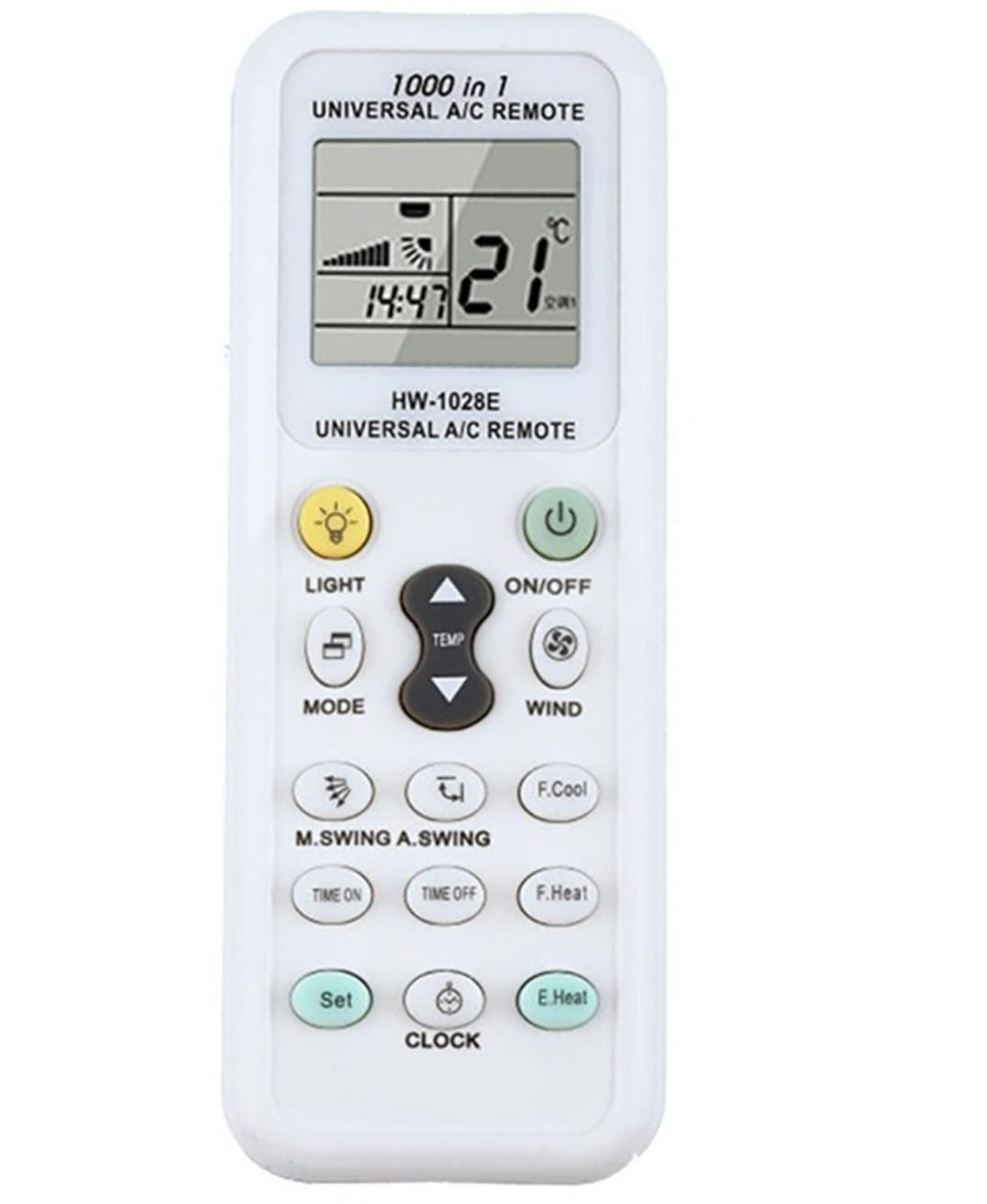

Description
How to Set Up a Universal A/C Remote
Programming a new universal remote to your air conditioner is simple and generally relies on two primary setup paths:
Method 1: Manual Code Entry (Fastest if brand is listed)
1. Find your code: Look up your aircon brand (e.g., Samsung, LG, Midea) in the booklet accompanying your remote to find its 3- or 4-digit code.
2. Enter pairing mode: Point the remote at the A/C unit, then press and hold the SET (or Select) button until the code digits start flashing on the LCD screen.
3. Input the code: Use the Temp + or – arrows (or numbers) to cycle to your brand’s code.
4. Save: Press OK or Enter to lock it in. Test the power button to see if the unit responds.
Reviews
There are no reviews yet.